Pre-Workshop Setup
Please do this before Day 1. We won't have time to walk through installs live, and Day 1's hands-on session assumes you're already set up.
This covers everything you'll need for the whole workshop. Sections 1 to 3 are what you need on Day 1. Section 4 isn't used until Day 3, but please set it up before the workshop begins, so we can help you troubleshoot in advance, if needed. Total set up should take about 30 minutes.
If something doesn't work, please reach out to Andrew (andrew.calderon@journalism.cuny.edu) or Adiel (adiel.kaplan@journalism.cuny.edu).
0 of 14 steps checked off
Day 1
1. Claude Desktop
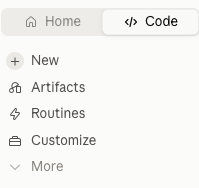
The app you'll use on Day 1. It's a chat, research, and coding environment, all in one place.
2. Git
A small background tool used by Claude and in coding to keep track of changes to your work. You won't interact with it directly, but the Code tab won't open without it.
-
On a Mac: open the Terminal app. You can find it using the Spotlight search (Command + space bar) and typing
Terminal, then hit Enter. In the window that opens, typegit --versionand press Enter. If it prints a version number, you're done. If it offers to install developer command line tools, accept and let it finish.On Windows: download and install Git for Windows, then reopen Claude Desktop.
3. GitHub
GitHub is the website where your work lives online and gets submitted. You'll learn how to connect it to your computer in two ways. But first, make an account.
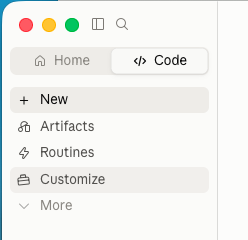
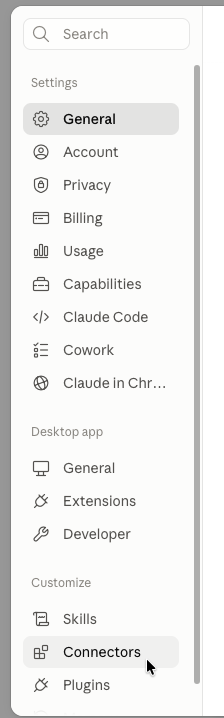

That's everything you need for Day 1. If anything above didn't work, stop here and email Andrew (andrew.calderon@journalism.cuny.edu) and Adiel (adiel.kaplan@journalism.cuny.edu). Tell us which step you got stuck on and what you saw.
Day 3
4. Visual Studio Code
A traditional code editor, with Claude running inside it. It's the same Claude you'll use in Claude Desktop's Code tab, just in a traditional coding environment.
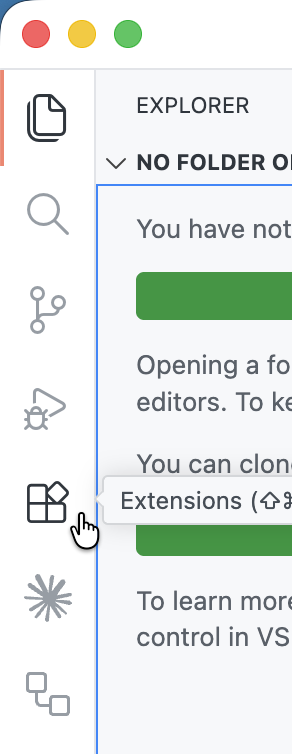
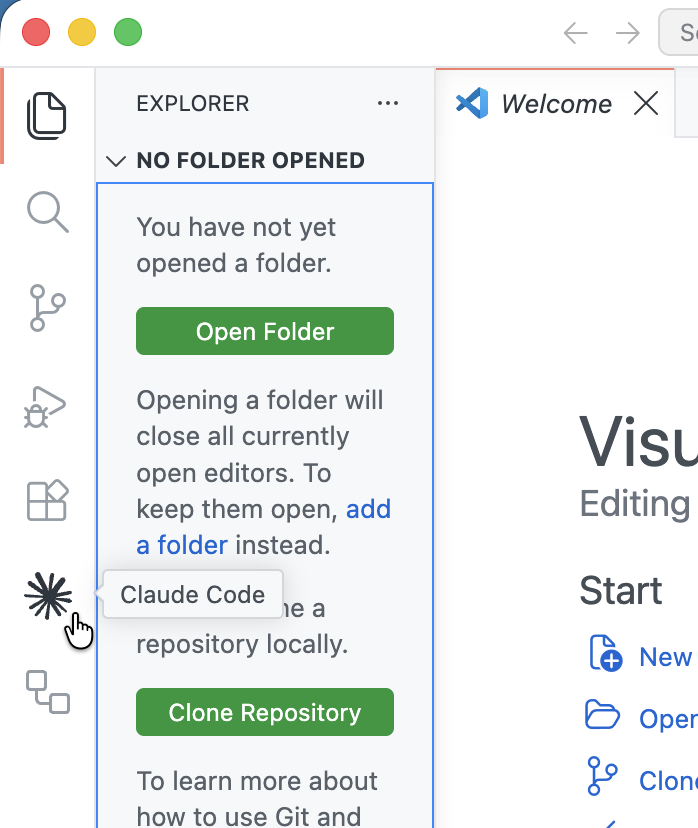
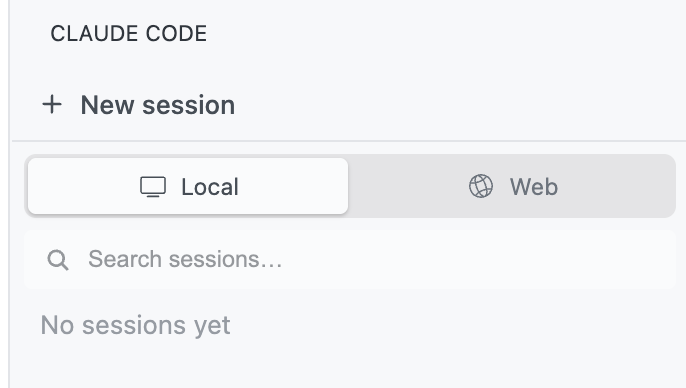
If that works, you're set.